01-rgb-bars.webp
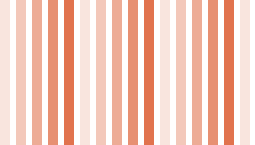
Static; 360 × 180 px; opaque.
Verify the color bars stay in the same order. Source: an original generated test pattern.
Choose a test WebP image for the behavior you want to check. These 20 original patterns include 14 still images and six animations. Eight have transparent areas, including two of the animations. Download the WebP itself; the gallery thumbnails are still previews.
Download an original pattern by filename. The preview is still; its details tell you what to expect from the downloaded file.
Static; 360 × 180 px; opaque.
Verify the color bars stay in the same order. Source: an original generated test pattern.
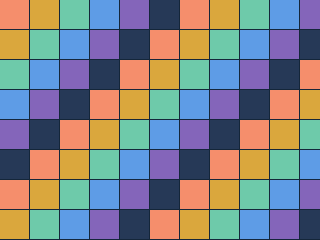
Static; 320 × 240 px; opaque.
Count the equal grid cells and inspect their edges. Source: an original generated test pattern.

Static; 384 × 144 px; opaque.
Look for a smooth transition from dark to light. Source: an original generated test pattern.
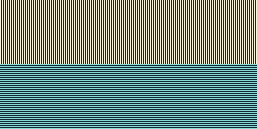
Static; 257 × 129 px; opaque.
Inspect the one-pixel lines at native size. Source: an original generated test pattern.

Static; 480 × 270 px; opaque.
Check diagonal boundaries in a wide layout. Source: an original generated test pattern.

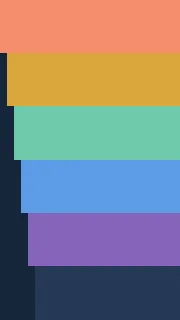
Static; 180 × 320 px; opaque.
Check the orientation of the tall layout. Source: an original generated test pattern.

Static; 301 × 191 px; opaque.
Check both edges of an odd-sized image. Source: an original generated test pattern.

Static; 32 × 32 px; opaque.
Check a small repeatable layout placeholder. Source: an original generated test pattern.

Static; 256 × 200 px; with transparency.
The center opening and corners should reveal the backdrop. Source: an original generated test pattern.

Static; 300 × 140 px; with transparency.
Place the gradual opacity ramp over both light and dark surfaces. Source: an original generated test pattern.
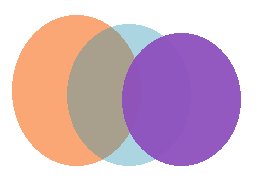
Static; 260 × 180 px; with transparency.
Check hard and semi-transparent edges on the overlapping shapes. Source: an original generated test pattern.
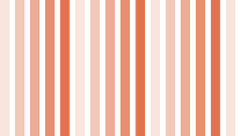
Static; 255 × 145 px; with transparency.
Compare alternating transparent and translucent vertical bands. Source: an original generated test pattern.
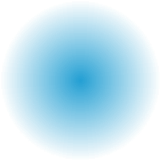
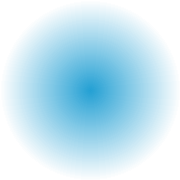
Static; 180 × 180 px; with transparency.
Look for a soft fade from the center of the circle. Source: an original generated test pattern.
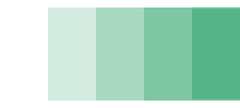
Static; 320 × 144 px; with transparency.
Compare five distinct opacity levels against a colored background. Source: an original generated test pattern.
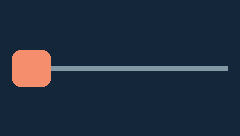
Animated; 240 × 136 px; opaque.
The marker moves from left to right and repeats. Source: an original generated test pattern.

Animated; 200 × 160 px; opaque.
Watch for a longer pause on the final pulse. Source: an original generated test pattern.

Animated; 160 × 160 px; with transparency.
The hollow colored ring moves over a transparent canvas. Source: an original generated test pattern.
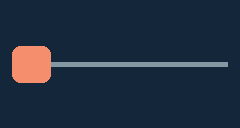
Animated; 240 × 128 px; opaque.
Check the finite loop setting and the change in position. Source: an original generated test pattern.

Animated; 270 × 150 px; opaque.
Check the alternating panels and their unequal display times. Source: an original generated test pattern.

Animated; 192 × 192 px; with transparency.
Watch the dot orbit while the surrounding canvas stays transparent. Source: an original generated test pattern.
For a quick upload check, try the RGB bars: the colors should stay in the same order when the file opens. The row-and-column grid makes a useful placeholder WebP for testing a layout: square cells that look like rectangles reveal stretching.
Choose the portrait blocks or landscape diagonals to check how a card crops its contents. The odd-width bands are a useful second example if an image looks fine at one size but clipped at another. Compare the downloaded dimensions with the dimensions on the card.
Try the moving marker animation in a new tab. The marker should move, even though its gallery thumbnail stands still. Download the original from its card to run the same check in an app, upload field or browser of your choice.
Use the pulse timing sample to check changes in frame duration. For a test that combines motion with alpha, the transparent orbit has a moving dot and a see-through canvas. If your app shows only the first frame, open that same downloaded file in a viewer that plays animated WebP to check whether the original still contains motion.
Place the alpha cutout on a dark background, then on a light one. The background should show through its transparent areas. With the alpha ramp, the transition should be gradual. Check WebP transparency if you need to tell partially transparent pixels from solid white.
To test a different output, convert a transparent sample to PNG and inspect it over the same backgrounds.
Pick a card by its filename, dimensions and expected result. Use its download button to save the original WebP bytes. Saving the preview image instead gives you the thumbnail, which is the wrong file for a playback or transparency test.
Use the same downloaded file in each app you are comparing. Note whether the app opens it, preserves its dimensions and displays the expected motion or background. These patterns let you spot a specific display problem; their small file sizes are not a speed benchmark for photos.
If your upload form requires JPEG, convert the downloaded sample to JPG and inspect the solid background in the result. Keep the WebP for your original test.
Pick a small, repeatable check for the image feature you need.
Use a still image for a basic display check, an animated sample for playback, and an alpha sample for transparent edges. You can use the moving alpha ring to check motion and transparency together.
Yes. Use the supplied portrait, landscape or grid pattern at its listed dimensions. You can test how your layout fits or crops it without having to generate a new image.
The card shows a small PNG of the first frame. Open or download the original WebP to check motion, timing and transparency at the listed dimensions.
A WebP can store a single picture or a sequence of timed frames. Read the introduction to WebP for an explanation of the format.